

TL;DR — Connect data → start a chat → get answers.
- Connect your data
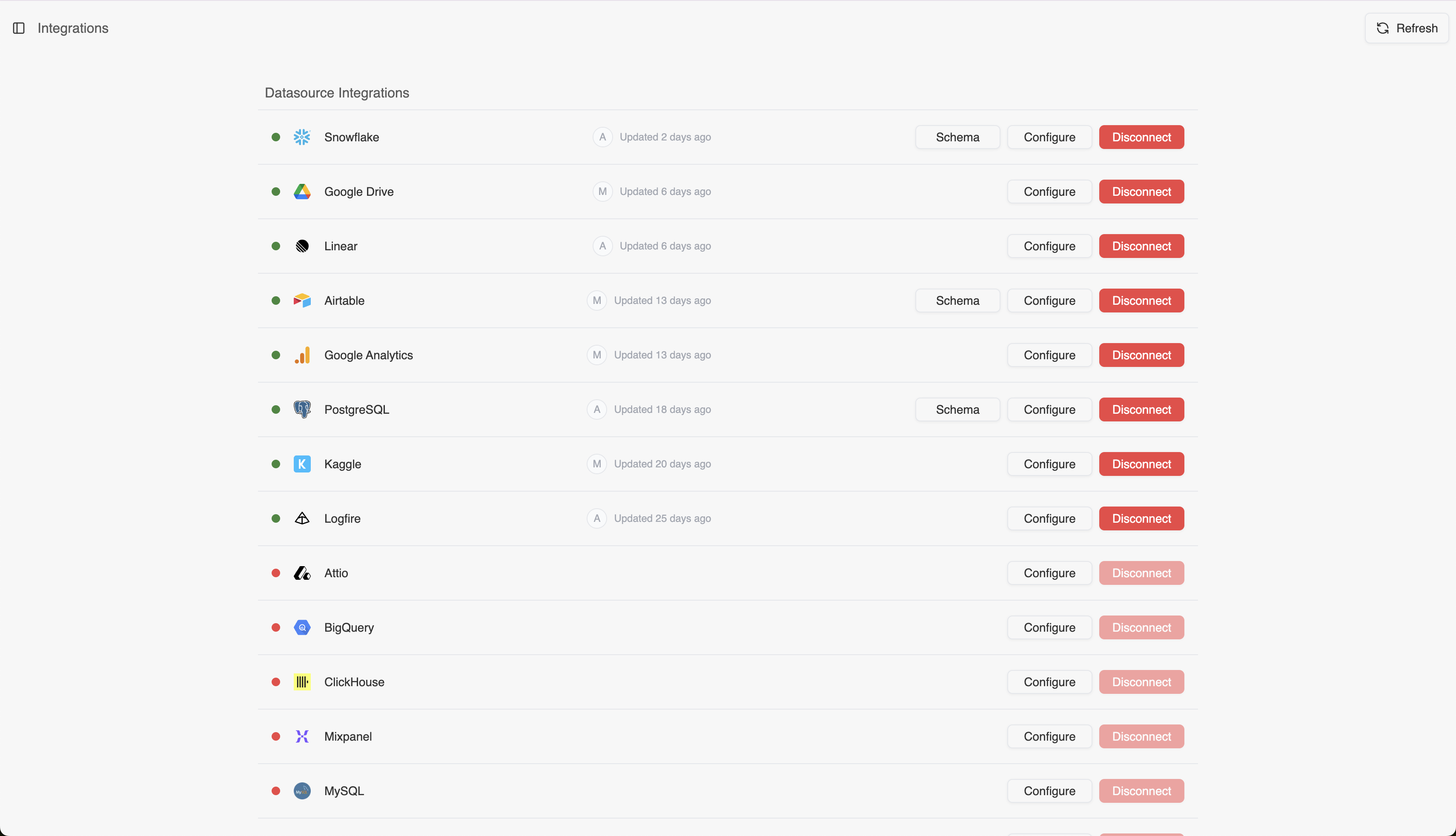
Visit the Integrations page, pick a data source, complete the integration details, and you’re all set. For detailed info about connecting data, visit the Data Sources page.
-
Start a chat
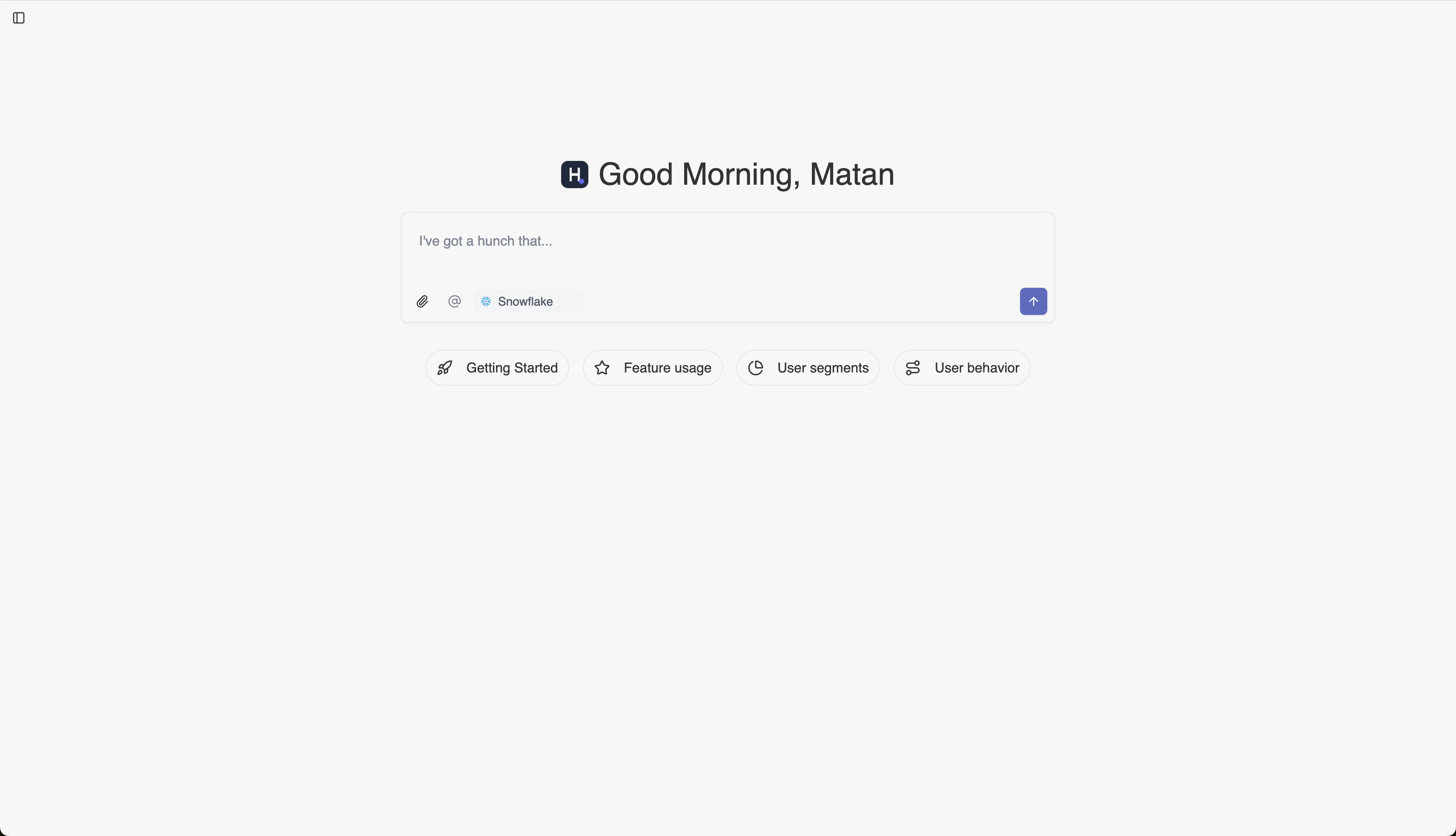
Open the Hunch platform, and ask your first question in the text box “I’ve got a hunch that…”, or use one of the suggested prompts under “Getting started”. You can also upload csv files, or tag a data source that you want to query.
- Need transparency? Track the agent’s work
Every analysis in Hunch is fully transparent. When the agent is running, you can:
- Click on the “Agent running…” indicator to see the live progress
- Track the full generated code during the analysis
- Export queries to run them directly in your data warehouse / jupyter notebook
- See referenced context files used by the agent during the thought process